Spreadsheets are a great way to start tracking IT assets. They are a terrible way to keep tracking them once a company runs teams on several continents.
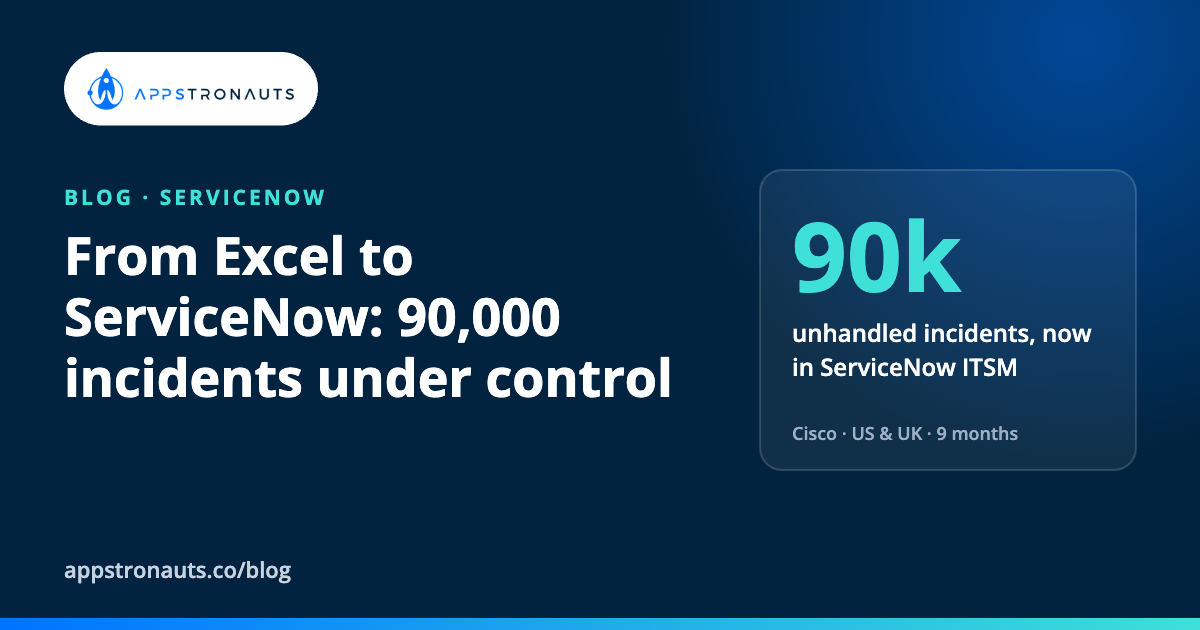
When we started working with Cisco’s teams in the US and the UK, IT assets and service processes lived in Excel files. Around 90,000 incidents had been reported worldwide with no proper process to handle them. Nobody could say with confidence what assets existed, who owned them or what state they were in.
Nine months later, a team of three of our engineers had implemented ServiceNow IT Asset Management (ITAM) and IT Service Management (ITSM) end to end, written a custom integrator to keep data in sync with other systems, and replaced the spreadsheets with one platform. Here is how we approached it, and what we would tell anyone about to do the same.
Why spreadsheets stop working
Excel does not fail on day one. It fails slowly, and that is what makes it dangerous:
- There is no single source of truth. Every team keeps its own copy, and every copy is a little different.
- Updates depend on people remembering. A laptop changes hands, a licence is reassigned, and nobody updates the file.
- Requests and incidents get lost. When they arrive by email and are tracked by hand, many are never closed, and some are never even opened.
- Reporting is guesswork. Answering a simple question like “how many laptops are in stock?” takes a day and still is not reliable.
The 90,000 unhandled incidents were not a sign that people did not care. They were a sign that the tools could no longer carry the scale of the organisation.
How we approached it
1. Start with how work really happens
Before configuring anything, we mapped how assets and service requests were actually handled: which spreadsheets existed, who updated them, how requests arrived and where they got stuck. The official process and the real one are rarely the same, and you need to build for the real one.
2. Clean the data first
Importing messy spreadsheets into ServiceNow only gives you messy data in a more expensive tool. We consolidated the files, removed duplicates, resolved conflicts and agreed on what each field means before a single record was migrated.
3. Implement ITAM properly
We implemented the full IT Asset Management scope: asset records with an owner, a state and a lifecycle, from request to retirement. Once every asset has an owner and a history, most of the “where is it and who has it?” questions disappear.
4. Move service processes into ITSM
Requests, incidents and approvals moved from email and files into ServiceNow ITSM workflows, with a service catalog where employees can ask for a laptop, a licence or access in one place. Incidents that used to disappear now have an owner and a status.
5. Write the integration you actually need
Off-the-shelf connectors did not cover everything the client needed, so we wrote our own integrator to connect ServiceNow with the client’s other systems and keep the data in sync. Without it, the new platform would have quickly become one more place with outdated data.
6. Roll out to real teams
The platform went live for teams in the US and the UK. A tool only works if people use it, so rollout is part of the project, not an afterthought.
What we learned
- A small senior team can move a large organisation. Three experienced people who understand both the process and the platform achieved more than a large team learning on the job would have.
- Data quality decides the outcome. The time spent cleaning spreadsheets paid back many times over after go-live.
- Integration is not optional. If ServiceNow does not talk to the rest of your systems, people go back to their own files.
- Nine months is realistic for ITAM and ITSM together when you start from spreadsheets, as long as the scope is clear and decisions are made quickly.
Is your IT still run from spreadsheets?
A few questions to ask yourself:
- Can you say, within an hour, how many assets you have and who owns them?
- Do requests and incidents have one place to live, or several inboxes and files?
- Do you trust your reports enough to make purchasing decisions on them?
If the honest answer to any of these is no, it is worth talking. You can read the full story in our Cisco case study, or see how our engineers join client teams in Team Extension.

Appstronauts
Need senior .NET, JavaScript or Dynamics 365 engineers on your team?
Book 30 minutes with Rado, our co-founder. Tell us what your team needs and get a straight answer on whether we can help.
Book a call with Rado How team extension works →